
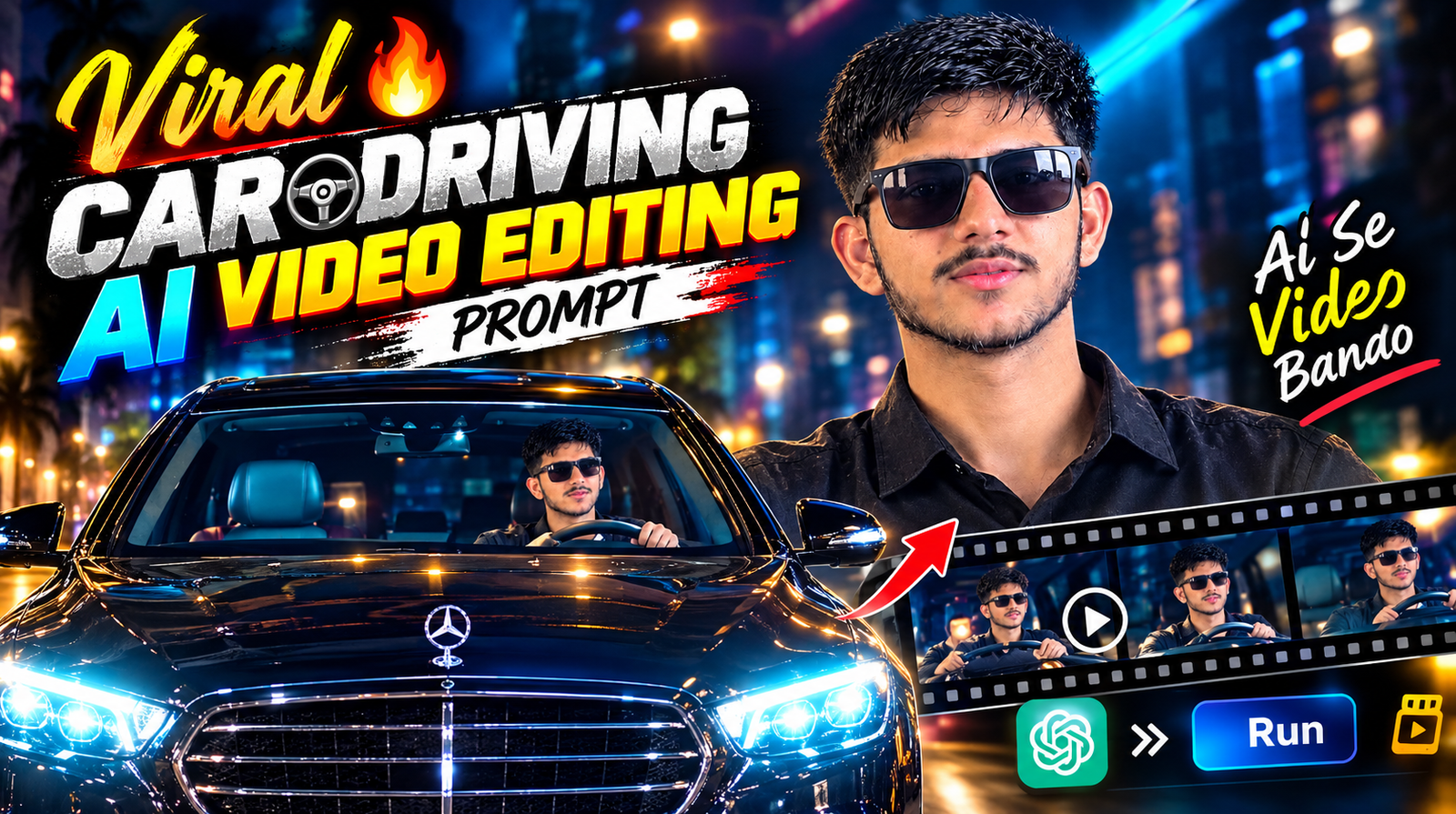
Trending Car Driving AI Video Editing Prompt 2026
Want to make a cinematic car-driving video featuring yourself without actually recording yourself inside a moving car? With the latest AI video-generation tools, you can create realistic driving scenes using a reference video and your own photo.
The idea is simple: use a car-driving video as the motion and camera reference, then provide a clear photo of yourself as the person reference. AI can combine these elements to create a new personalized video while following the movement, camera angle, road environment, and overall cinematic appearance of the original clip.
This trend is especially useful for creating engaging Instagram Reels, YouTube Shorts, TikTok videos, and other short-form content.
What Is Car Driving AI Video Editing?
Car Driving AI Video Editing is a technique that uses artificial intelligence to create a personalized driving scene without requiring you to film the entire scene yourself.
Instead of sitting inside a moving car with a camera, you can provide two main things:
- A reference car-driving video
- A clear photo of yourself
The AI analyzes the reference video to understand elements such as the driver’s position, body movement, camera motion, road movement, framing, and overall visual style. Your uploaded photo can then be used as the person reference for the generated scene.
The result can look like you are actually sitting behind the wheel and driving the car, even though you may never have recorded the original footage yourself.
Why Is This AI Video Trend Popular?
AI video generation has made it much easier for creators to experiment with cinematic content. Car-driving videos are particularly popular because they can create a professional-looking lifestyle or travel aesthetic with relatively simple reference material.
You can experiment with different:
- Cars and interiors
- Road environments
- Camera angles
- Lighting conditions
- Driving scenes
- Cinematic styles
- Outfits and appearances
For short-form creators, this can be a quick way to develop visually interesting content without arranging a professional shoot.
How to Create a Car Driving AI Video
Step 1: Choose a Reference Video
Start with a suitable car-driving video. Look for footage with clear driver positioning and smooth camera movement. A reference clip with good lighting and a stable subject generally makes the desired effect easier to reproduce.
Step 2: Prepare Your Photo
Use a clear, high-quality photo of yourself. Your face should be visible and preferably well-lit. Avoid heavily blurred or low-resolution images because they may reduce the quality of the generated result.
Step 3: Add the Reference Media
Upload the driving video as your motion or visual reference and add your photo as the person reference, depending on the AI video tool you are using.
Step 4: Add the AI Prompt
Describe the scene you want the AI to create. Mention important details such as the car interior, driving position, camera movement, lighting, road environment, and realistic appearance.
Step 5: Generate and Refine
Generate the video and review the result. If the movement, face, hands, or camera position doesn’t look right, adjust your prompt or reference material and generate another version.
Sample Car Driving AI Video Prompt
Prompt:
Create a realistic cinematic car-driving video using the uploaded driving footage as the movement and camera reference. Use my uploaded photo as the identity and appearance reference. Keep the driver’s position, body posture, camera movement, road motion, framing, and overall visual composition similar to the reference footage. Make the face look natural and consistent throughout the video. Maintain realistic lighting, shadows, reflections, and vehicle interior details. Create smooth, natural motion with a premium cinematic look. The final result should appear like an authentic professional car-driving video.
Tips for Better Results
For a more realistic result, use a high-quality reference video and a clear photo. Try to keep the lighting and viewing angle reasonably compatible between your photo and the reference scene.
You can also experiment with different prompts to create different moods, such as:
- Luxury night drive
- City driving
- Sunset highway drive
- Rainy road scene
- Sports car interior
- Premium cinematic drive
- Travel-style driving video
Perfect for Instagram Reels and YouTube Shorts
Once your AI-generated driving video is ready, you can edit it into a short vertical video and add music, captions, transitions, or other effects.
The concept works particularly well for Instagram Reels, YouTube Shorts, TikTok, Facebook Reels, and other short-form platforms.
AI video generation is making cinematic content more accessible, allowing creators to experiment with scenes that would traditionally require a car, camera equipment, and a dedicated filming setup.